
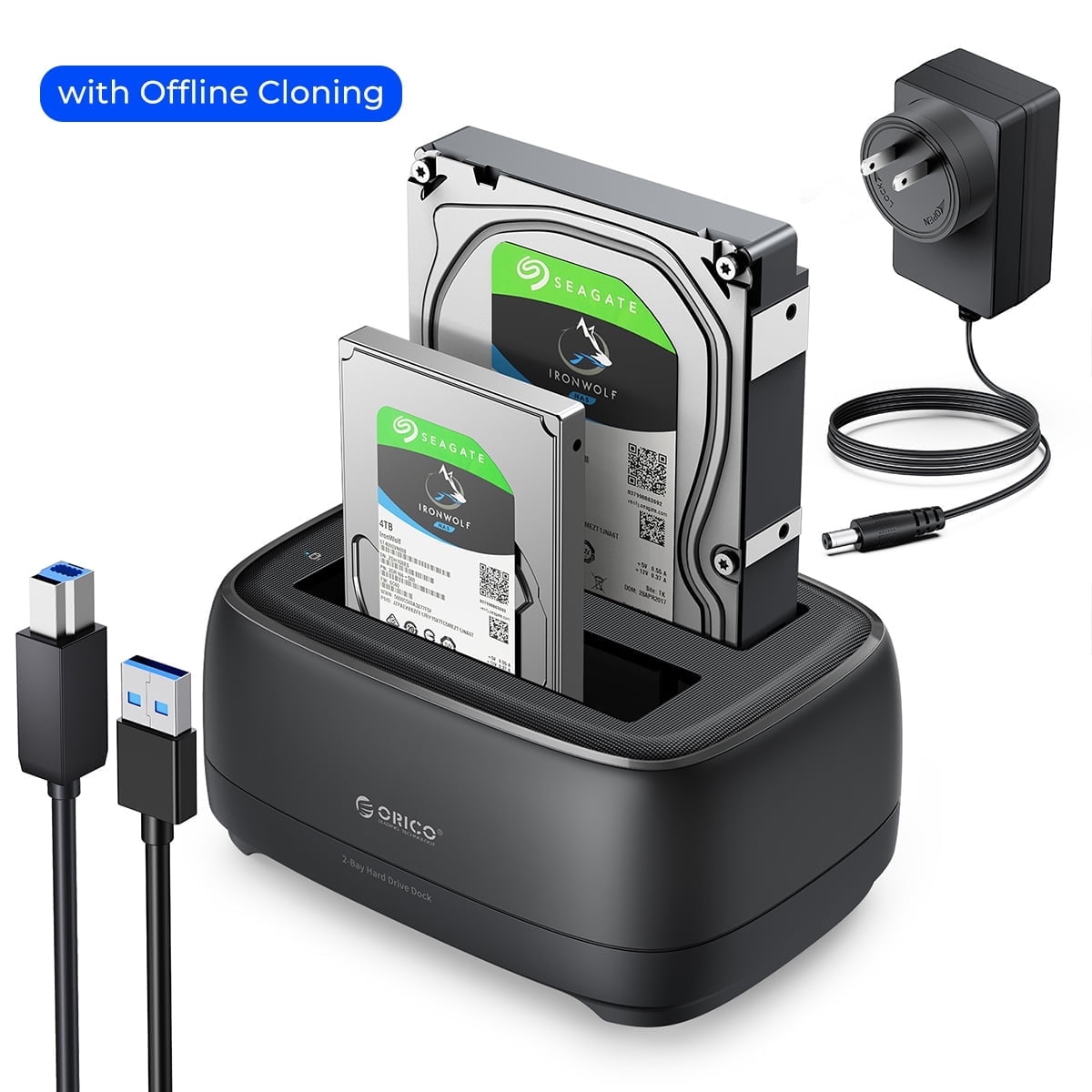
ORICO Dual Bay SATA SSD/HDD External Hard Drive Docking Station USB 3.0 5Gbps 3.5" HDD Enclosure Case with Offline Clone Hard Drive Enclosure 2*20TB,UASP(No Hard Drive)
Product details
| Management number | 230456034 | Release Date | 2026/06/18 | List Price | US$14.40 | Model Number | 230456034 | ||
|---|---|---|---|---|---|---|---|---|---|
| Category | |||||||||
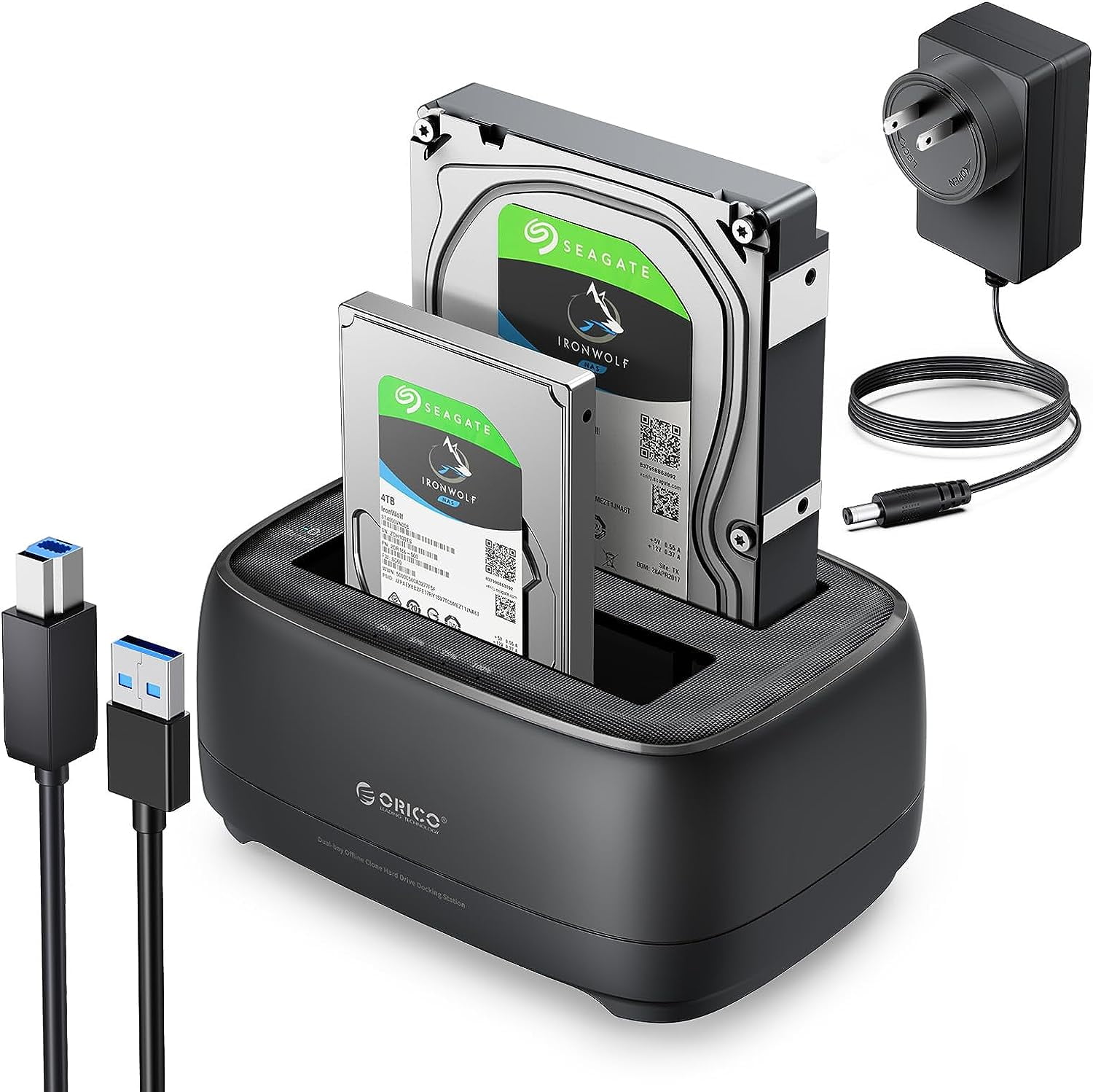
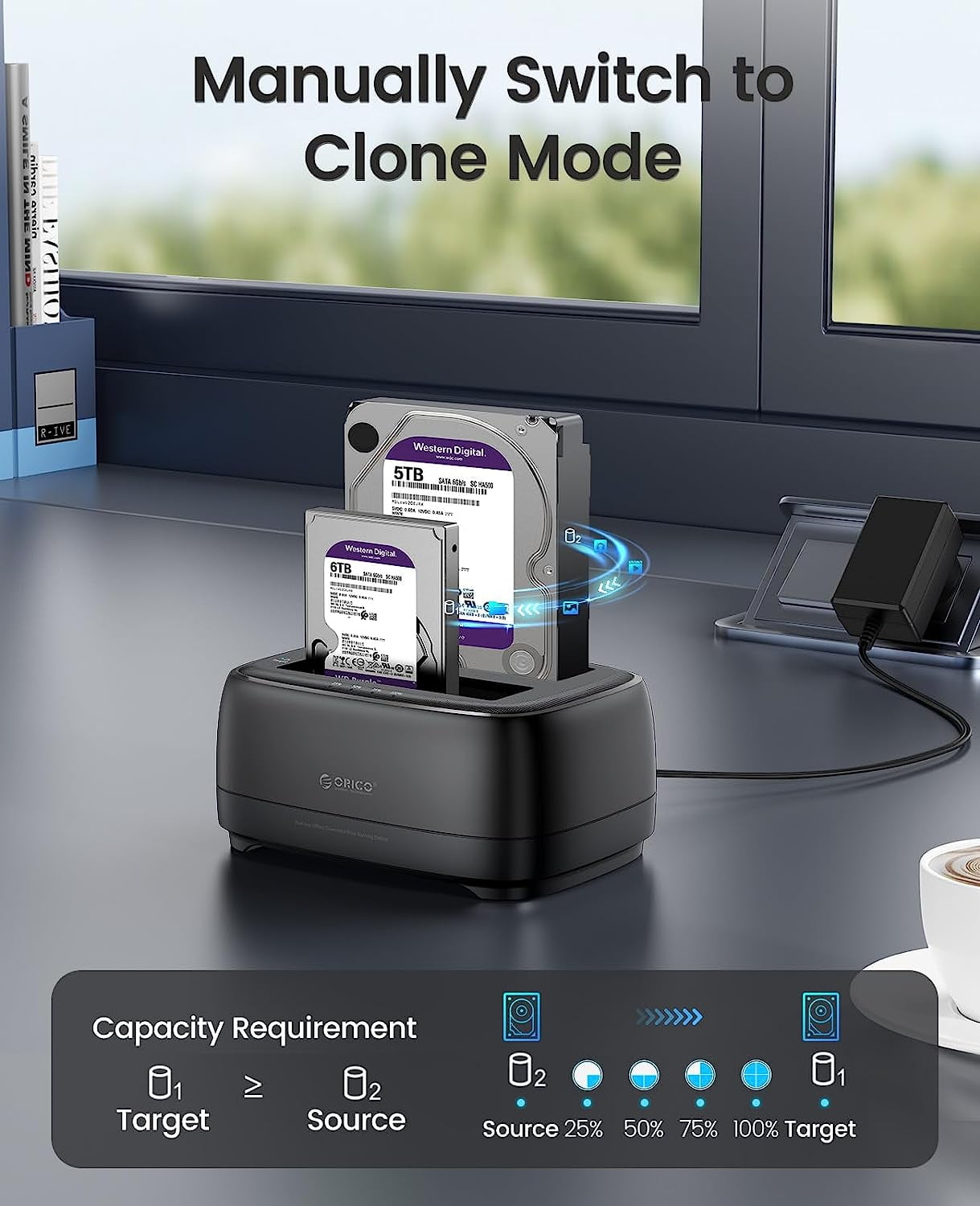
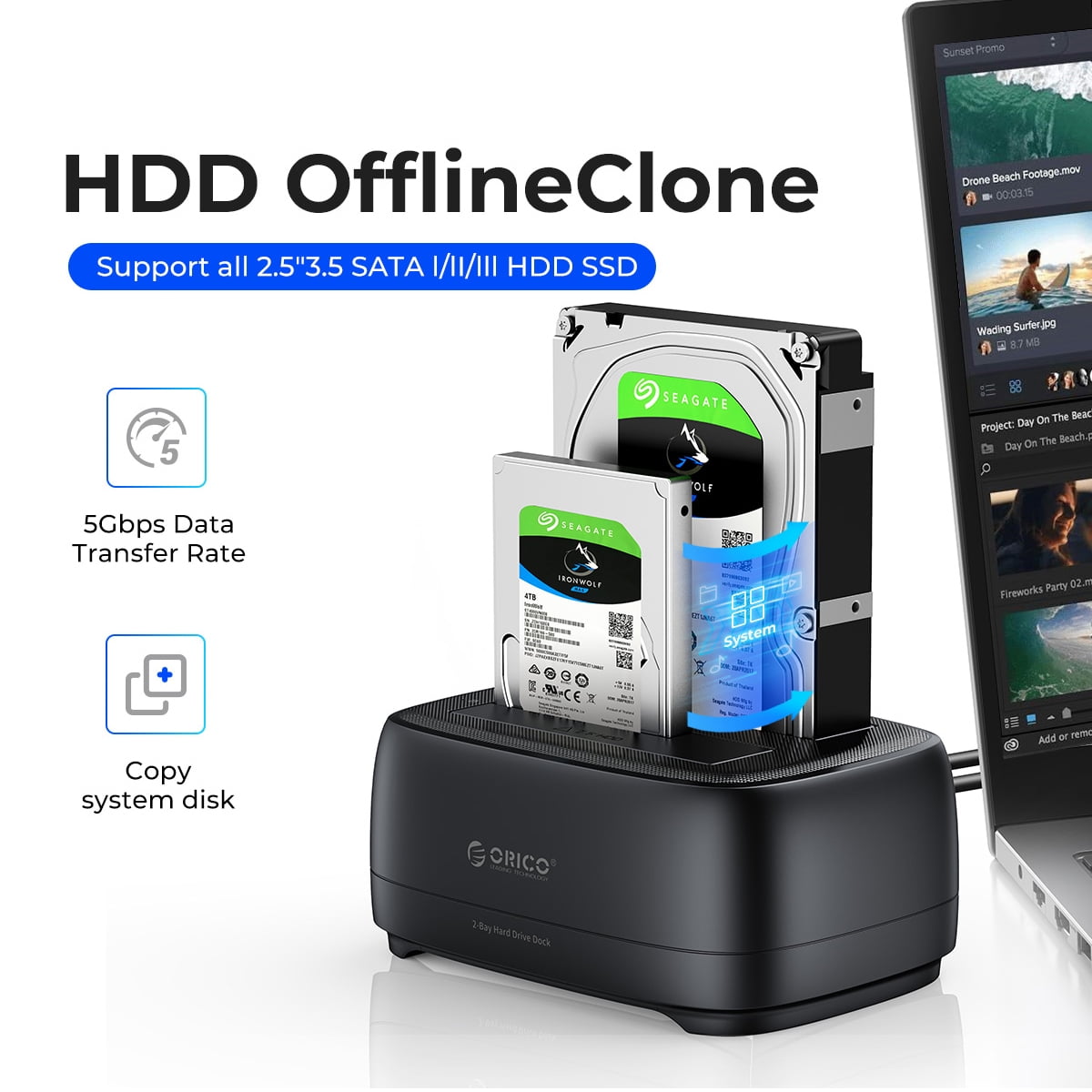
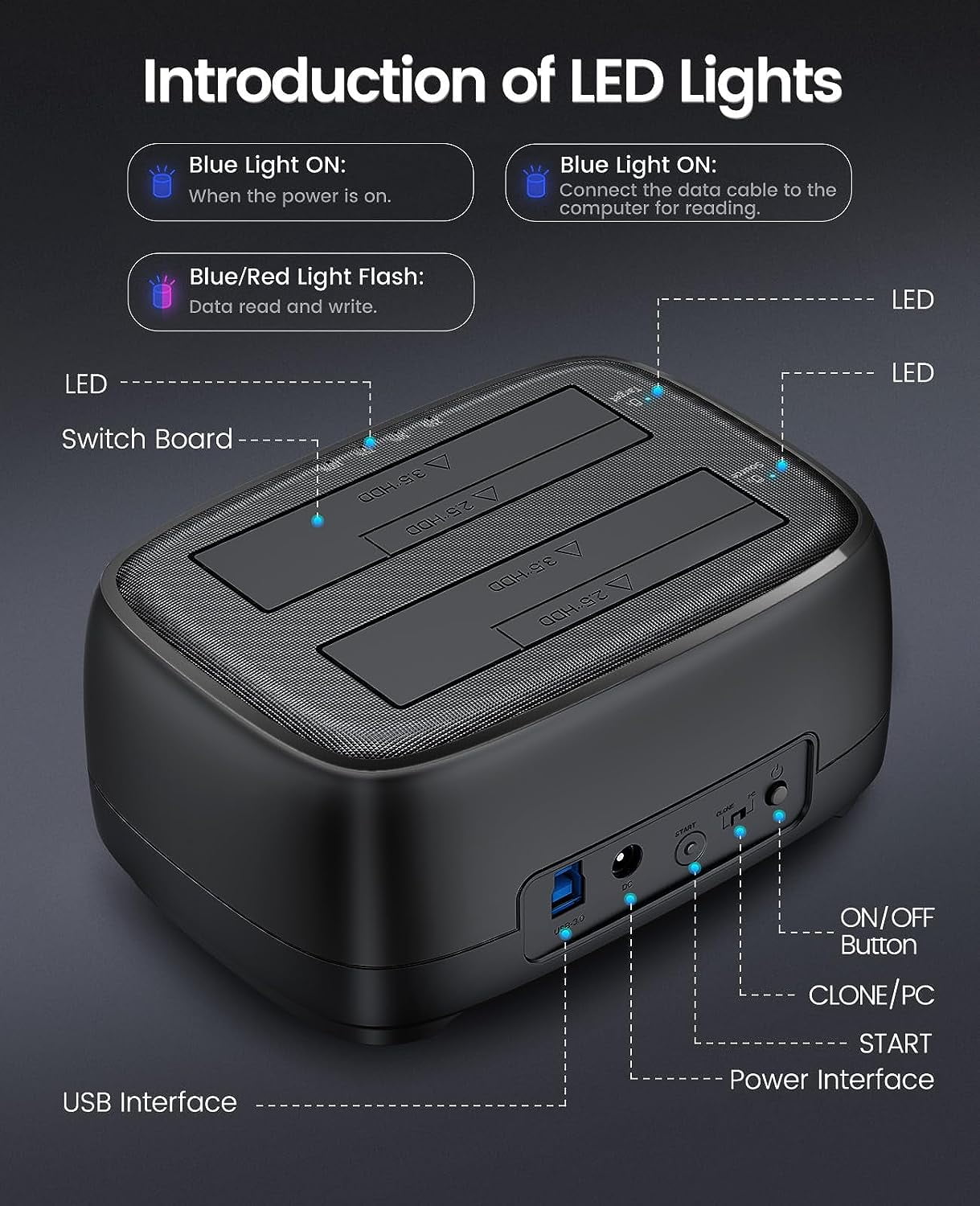
<p>Dear customer, if you have any questions after receiving the goods, please feel free to contact us. We will reply to you as soon as possible within 24 hours and we will be happy to serve you. <br>If you need a Type-C hard drive cloner dock station, you can just click: DD28C3-C</p> <p>📢 Notice Before Use:<br>1. What is offline cloning?<br>Offline cloning is the process of copying data from one hard drive to another without the need to connect to a computer.<br>2. This product has two modes: PC/CLONE. When in PC mode, it can read and write to the hard drive normally.<br>3. The cloning speed is about every 500GB two hours.</p> <p><b>ORICO Dual Bay 40TB Hard Drive Docking Station with Duplicator/ Offline Clone Function - your ultimate data management solution.</b></p> <p><br>ORICO External SSD/HDD Docking Station supported 40TB(2*20TB) compatible with 2.5"/3.5" SATA I/II/III HDDs and SSDs. USB 3.0 usb hard drive dock support UASP &Trim protocol with transfer speeds of up to 5Gbps; Dual bay hard drive enclosure enables instant access to 2.5/3.5" SATA drives for file backup, disk imaging, or data transfer. Dual Bay hard drive cloner dock station supports an offline clone function, it can be used to clone an existing hard drive without connecting to a computer, easy to duplicate data from one to another hard drive by pressing the CLONE button for about 3 seconds. (Please note the target disk must be larger than the source disk.) The SATA HDD dock duplicator with a highly efficient 36W(12V/3A) power supply, guarantees a steady of uninterrupted transmission process for maximum durability.</p> <p><b>What's in the box</b><br>Dual Bay 3.5 Hard Drive Dock with Offline<br>12V Power Adapter<br>1 M USB3.0 Type-A Cable<br>User Manual</p> <p>🔵Complete Offline Replication in 3 Steps<br>1. Insert the hard drive<br>Insert the hard drive into the target disk and the original disk separately.<br>2. Turn on the power<br>Move the PC/CLONE switch on the back of the hard drive bracket to CLONE, and then turn on the power.<br>3. One click copy<br>Press the "Start" button on the back, and the progress indicator light will flash (copying in progress). After copying is completed, the display indicator light will remain on.<br>❗ Attention:<br>1. The target disk capacity must be greater than the original disk, otherwise it may cause data loss.<br>2. Do not forcefully interrupt the replication process.<br>3. After copying is completed, the target disk needs to be connected to the computer: open "Computer Management Disk Management Online" before it can be used;</p> <p></p>
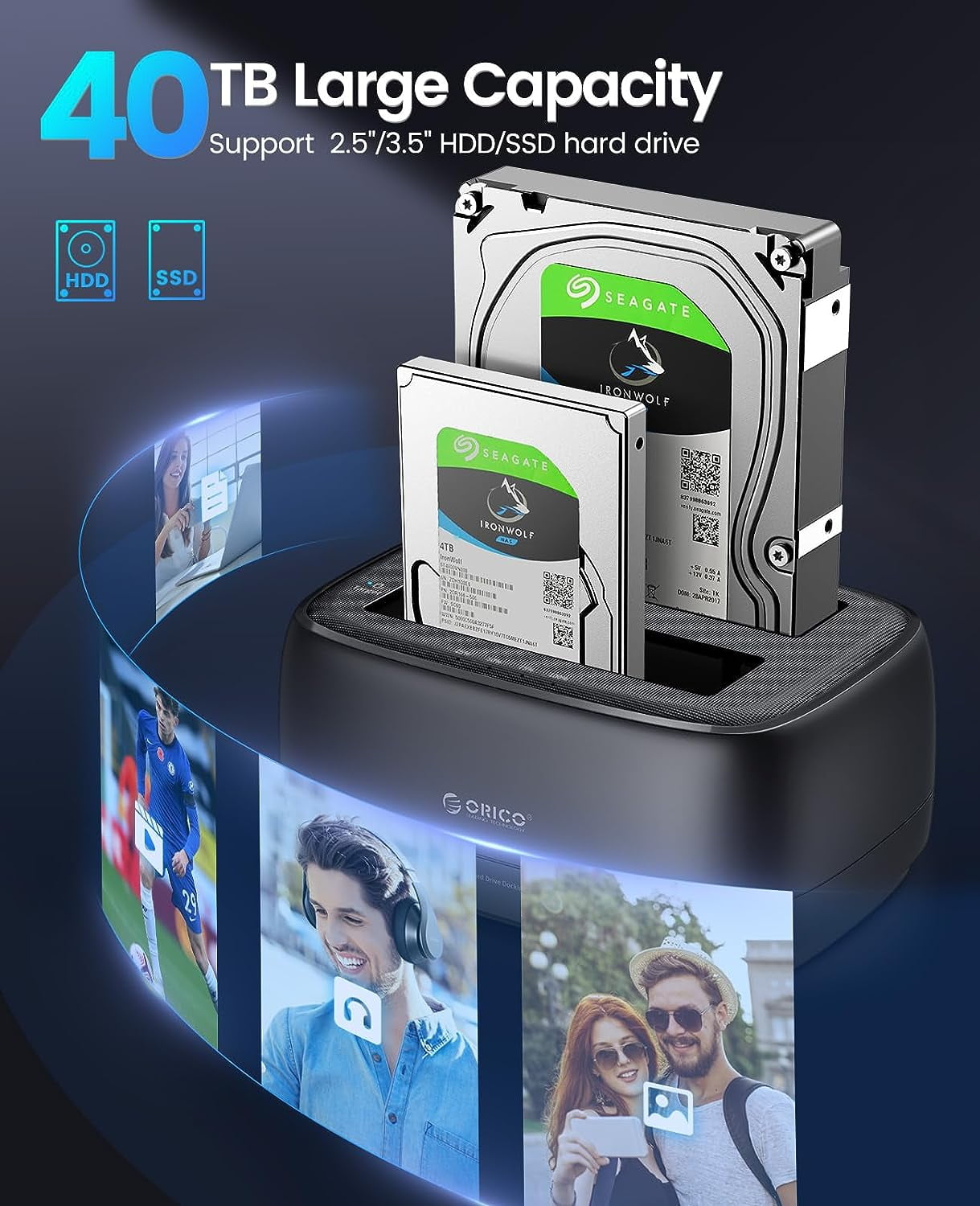
- 【Full Compatibility】 SSD/HDD Docking Station supported 40TB(2*20TB) compatible with 2.5"/3.5" SATA I/II/III HDDs and SSDs; Dual Bay Docking Station includes 3ft (1m) USB-A cables and universal power adapter which can use in most places and is small in size and easy to use
- 【Offline Clone Duplicator Function】ORICO hard drive docking station supports an offline clone function, it can be used to clone an existing hard drive without connecting to a computer, easy to duplicate data from one to another hard drive by pressing the CLONE button for about 3 seconds. Please note the target disk must be larger than the source disk.
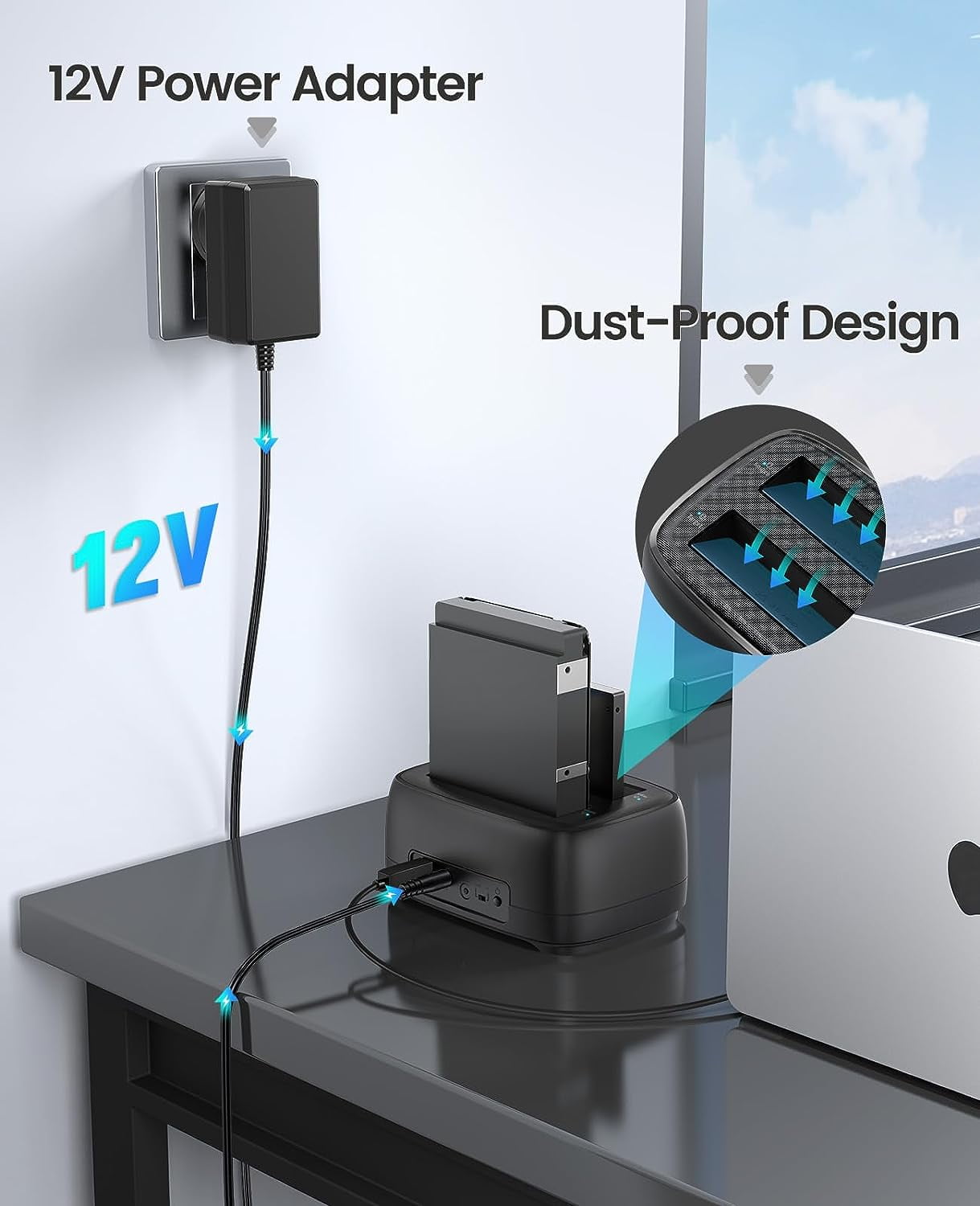
- 【Durability Dual Bay Hard Drive Duplicator】The SATA HDD dock duplicator with a highly efficient 36W(12V/3A) power supply, guarantees a steady of uninterrupted transmission process for maximum durability. SATA drive docks are inactive for 10 minutes, saving energy by automatically sleeping in mode
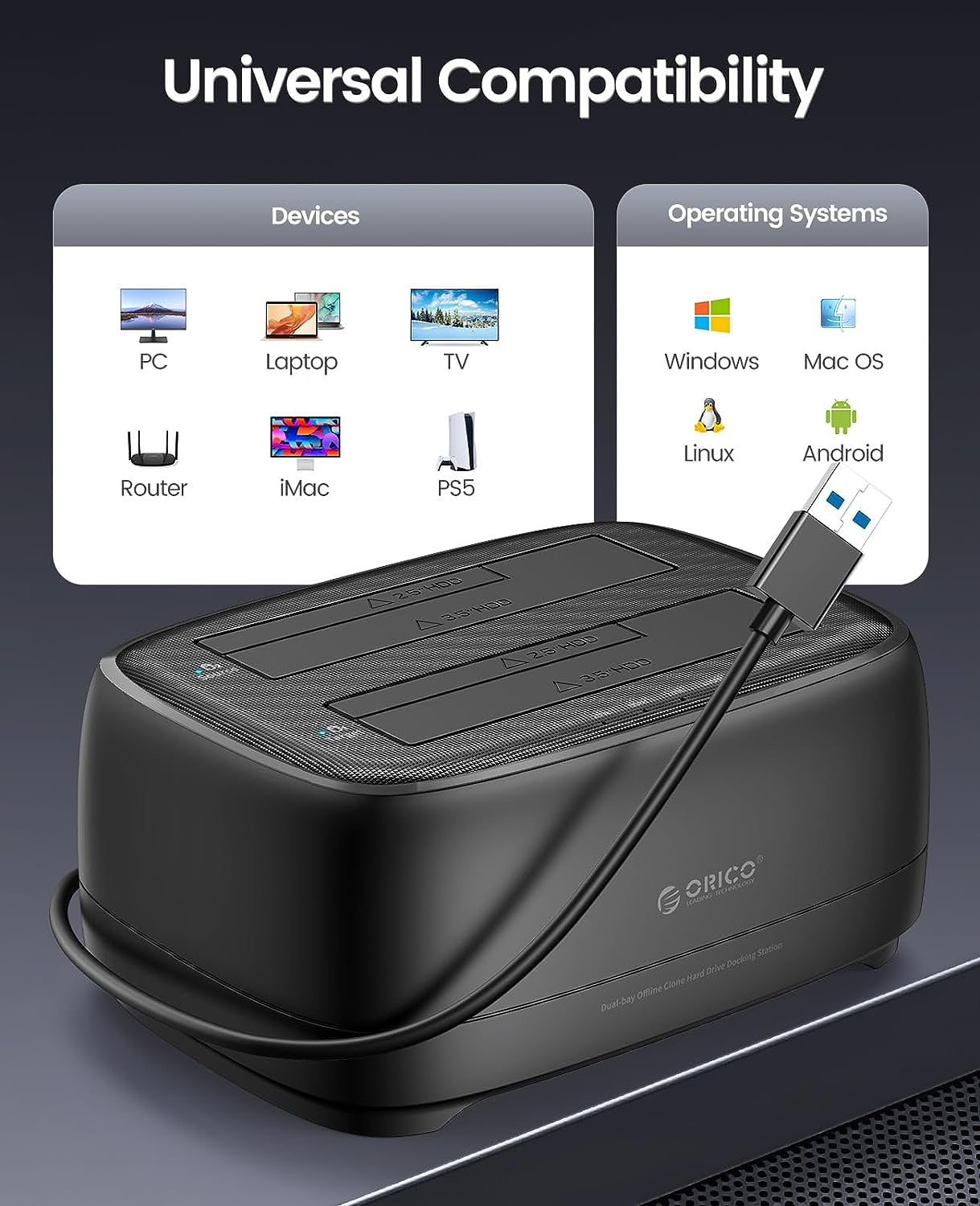
- 【Devices Connect Freedom】This Dual-Bay hard drive cloner is designed to work with a variety of devices including PCs, laptops, smart TVs, smart routers, and even PS4. It supports multiple platform operating systems such as Windows, Mac, Linux, iPad OS(Thunderbolt), and Android. With this versatility, you can enjoy seamless connectivity across all your favorite devices. {Note: Your phone should support the OTG function then you can easily read the hard disk data.}
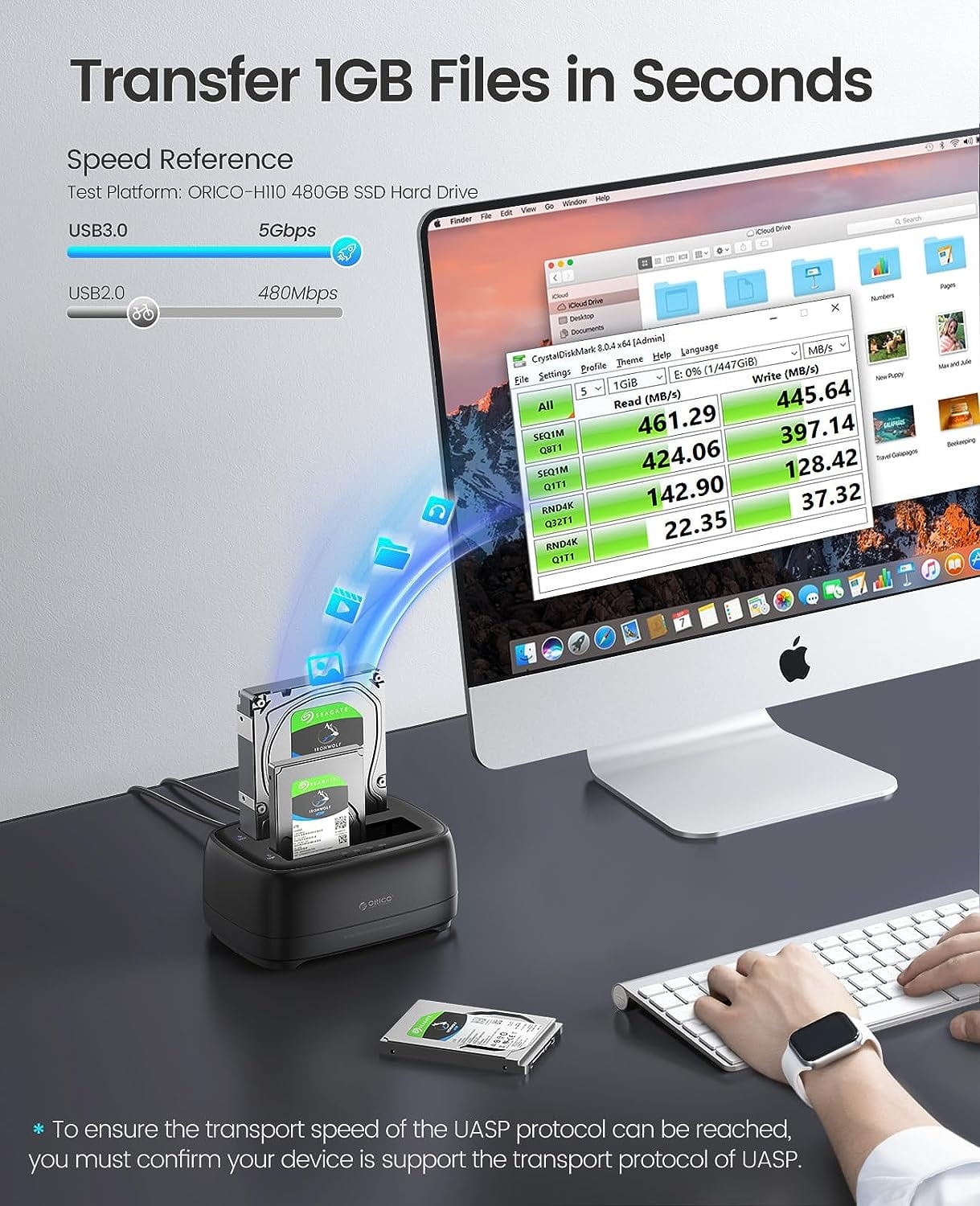
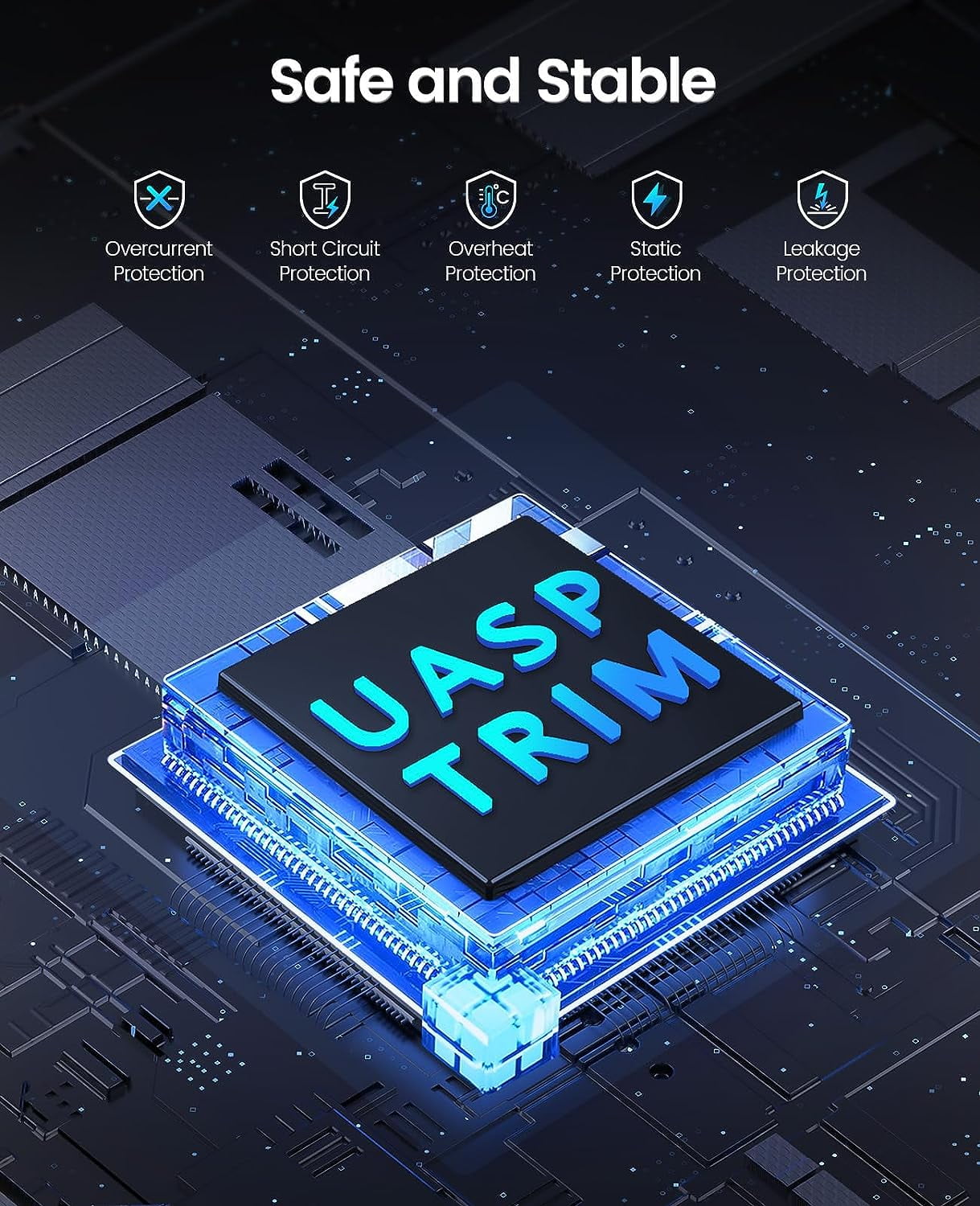
- 【High-Speed Protocol】USB 3.0 usb hard drive dock support UASP &Trim protocol with transfer speeds of up to 5Gbps; Dual hard drive dock enables instant access to 2.5/3.5" SATA drives for file backup, disk imaging, or data transfer - Toolless design facilitates quick drive hot-swapping
- 【Application Design】The external hard drive docking station adopts a unique dust-proof design cover plate and silicone anti-skid pad and is also designed with LED cloner Status indicators-Blue reading, Red Transfer
| HD capacity | 40 TB |
|---|---|
| Brand | ORICO |
| Internal/external | External |
| Interface type | USB 3.0 |
| Hard drive form factor | 3.5 Inches |
| Read speed | 500 Megabytes Per Second |
| Write speed | 500 Megabytes Per Second |
| Manufacturer | ORICO Technologies Co.,Ltd |
| Model name | DD-C DD28U3-C |
| Model | DD28C3 |
| Accessories | 1 M USB3.0 Type-A Cable\nUser Manual |
| Height | 2.83 in |
| Weight | 1.22 lbs |
| Compatible models | with Duplicator/ Offline Clone |
| Compatibility | Hp/Dell |
Bestseller ranking
Hospital Administration


Customers who viewed this product also viewed
Computers


Correction of product information
If you notice any omissions or errors in the product information on this page, please use the correction request form below.
Correction Request Form